Professional pen
Smooth strokes with adjustable pressure, thickness and colors. Draw and highlight precisely on any site.
Highlight, draw, annotate and save your study notes on any web page — YouTube, in-browser PDFs, lecture slides, online courses. All local, all yours, all free.
Built for students, exam prep candidates and medical residents.
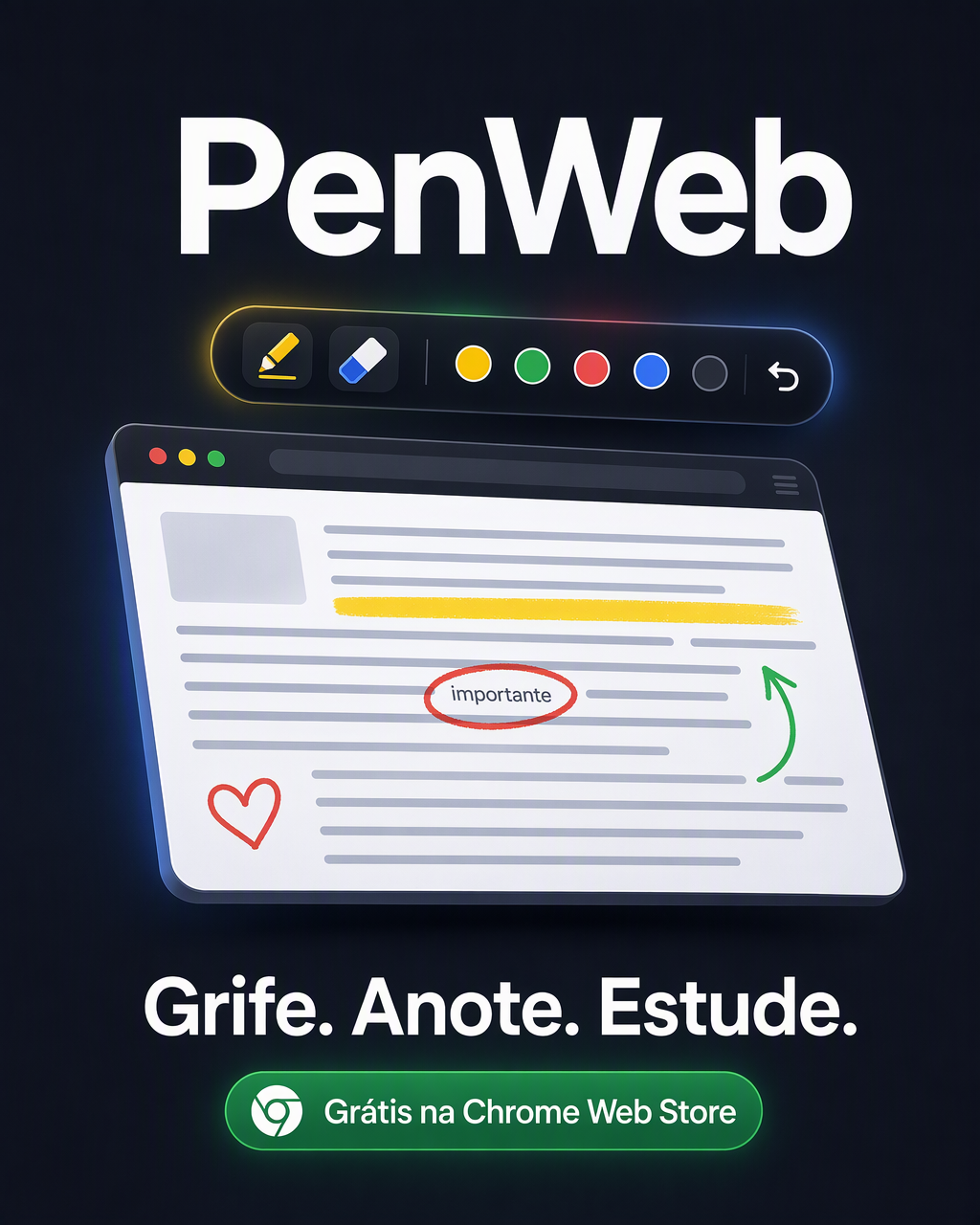
One click on the icon and the page becomes your notebook.
Smooth strokes with adjustable pressure, thickness and colors. Draw and highlight precisely on any site.
Mark important passages in video lectures, online handouts and articles without changing the original page.
Save your annotations together with the page content as a PNG — perfect for review and flashcards.
Reloaded the page by accident? PenWeb offers to restore your drawing automatically.
Interface in English, Portuguese and Spanish, detected automatically from your browser language.
High-contrast mode, adjustable UI scale and respect for reduced-motion preferences.
Toggle smooth drawing on or off directly from the toolbar — your strokes come out clean as you draw, no post-processing needed.
AI responses render formulas as real fractions, subscripts and superscripts — just like a proper AI chat. Copy any block with one click.
Drag to select a region of the page (or paste a screenshot with Ctrl+V) and the AI analyses only that question, diagram or text — no need to describe it.
The next step: turn your highlights into active knowledge. The PenWeb premium line will use artificial intelligence to:
Waitlist members get special conditions at launch.
Products that fit online students — and life outside studying. Disclosure: the links below are affiliate links — if you buy through them, PenWeb earns a small commission at no extra cost to you. This helps keep the extension free. They are only suggestions: nobody has to buy anything.
Print your summaries and PenWeb captures.
See offer →Focus and energy for long study sessions.
See offer →Study and move at the same time.
See offer →Ceramic, 5 pieces — practical cooking for students living on their own.
See offer →Seamless microfiber, 12-pack.
See offer →Authorized reseller.
See offer →Roku TV, HDR10, Dolby Audio.
See offer →A well-earned break between study blocks.
See offer →Google TV, HDR10+, Dolby Atmos.
See offer →256GB, 5G, quad camera.
See offer →Disc edition, white.
See offer →i3, 8GB, 256GB SSD, 15.6" — ready for online classes.
See offer →5G, 5000mAh battery, 120Hz display.
See offer →PenWeb collects no personal data. Your drawings are saved only in your browser, on your computer. Nothing is sent to any server. Read the full policy.
Coming soon to Chrome Web StoreOpen the PDF or the page in Chrome, click the PenWeb icon and use the highlighter or the pen directly on top of it — the original file is never changed.
Yes. PenWeb draws a layer over the current page: it works on articles, online handouts, course platforms and YouTube video lectures.
It will be free and ask for no account, e-mail or login. Once published on the Chrome Web Store, just install and start right away.
No. Everything is stored only in your browser's local storage. Nothing is transmitted — your notes stay with you even offline.